
For local businesses
Be visitor-ready on your destination’s official map.
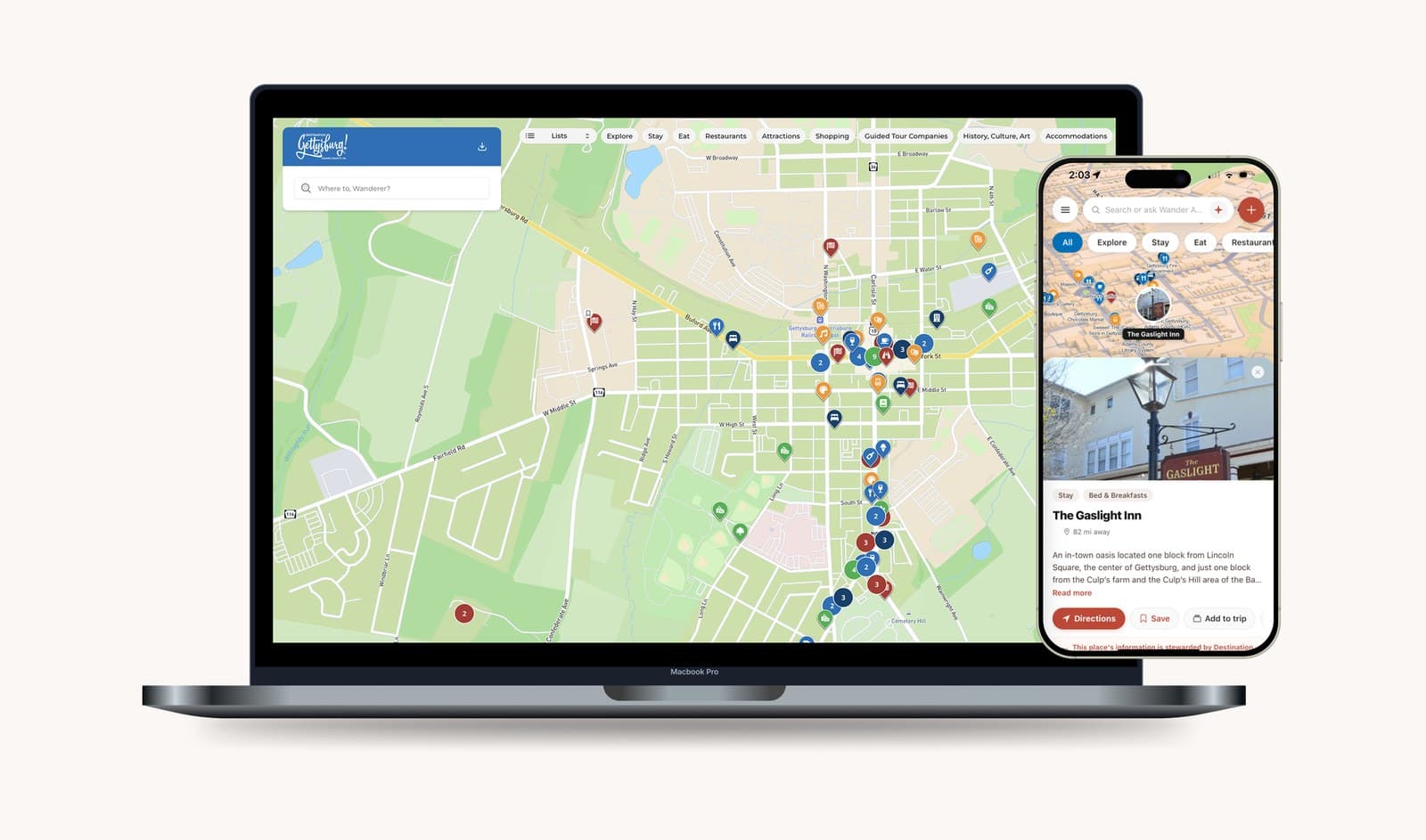
When your tourism board runs its official map on Wander, local businesses are part of it. If yours is on the map, you can claim the listing for free and keep your hours, details and photos right for the people planning a visit.
Got an email from your destination?
Use the link in it. It opens your listing, ready to claim.
No email yet? Contact us
Your destination invites you
The invitation comes from your destination.
Destinations on Wander can invite the businesses on their official map to claim their listings. The message comes in your destination’s name, by email, or by text in the US.
Not sure about a message you got? Ask your destination, or contact us.
How to tell it’s real
In your destination’s name
Emails show your destination as the sender, followed by “via Wander”.
From claims.wandermaps.com
Email invitations come from an address at claims.wandermaps.com.
Straight to your listing
The link takes you to your own listing on web.wander-app.com, where Wander’s maps live.
Yours to turn down
Every invitation includes a way to opt out.
How claiming works
Claim your listing in one short session.
Four steps for you, then one for your destination. Nothing is marked as yours until their team has looked it over.
- You
Open the link
It opens your listing on your destination’s map.
- You
Confirm by phone
A code sent to your phone confirms it’s you.
- You
Check your details
Look over the hours, contact details and photos already on your listing, and fix anything that’s off.
- You
Submit
Your claim goes to your destination’s team.
- Your destination
They review it
Their team looks over each claim before the listing is marked as yours.
Claim your place from inside the map.
In the pilot, you claim your listing on the official map itself. The map circles your place in 3D while you check your details, set your hours and add photos.
- Contact details and hours go live right away.
- Photos and descriptions go live once your destination approves them.
- On a phone, it’s a simpler page with a map of your place. The 3D view is for larger screens.
Starting with one destination. Everywhere else, you claim on the standard claim page.
After you claim
One place to keep your listing right.
A home base for your listing
See how your place appears on the official map, and keep your hours current from one place. Once enough travelers have saved your place, you’ll see how many. Until then, it shows that your listing is live.
Hours that match real life
Open late? Set a closing time after midnight, and the web map keeps showing you as open.
Post an offer
Once your claim is approved, you can post an offer. Travelers using the Wander iPhone app find it on the map and redeem it in person.
- Staff PIN
- QR placard at the counter
- Code reveal
You’ll see each redemption and when it happened. Your destination may review offers before they go up.
Become a steward
Your destination can invite you to help look after more than your own listing, like a trail or a stretch of Main Street you know well. They choose whether you suggest changes or publish them.
Alerts come by email, with optional texts in the US.
Free on participating maps.
Claiming your listing on a participating destination’s map is free. Your destination runs the map. You keep your part of it right.
- Who runs the map?
- Your destination. Its team decides what goes on the official map and reviews each claim. Wander builds the map with them and keeps it running.
- I didn’t get an email. Can I still claim?
- Claims start with your destination, so ask them to send you an invitation. Or contact us and we’ll help you reach the right person.
- My business isn’t on the map. What now?
- Your destination decides what’s on its map, so ask them. If they aren’t on Wander yet, tell them about it.
- What if I’d rather not hear from you?
- Every invitation includes a way to opt out, and you can contact us at any time. Our privacy policy explains how we handle business details.
Got an email from your destination? Use the link in it.
It opens your listing, ready to claim. No email yet? Contact us and we’ll help.
Not on Wander yet? Tell your destination.
Tourism boards, visitor bureaus and chambers of commerce run Wander maps. If yours doesn’t, send them a note. Here’s one you can use.
An official map for our visitors
Hi,
I run a local business here and came across Wander. It gives a destination its own official map: on your website, in print and QR codes, and in the Wander app. Local businesses can claim their listings for free and keep them up to date.
I’d love to see us on it. Could you take a look?
https://www.wandermaps.com/destinations
Thanks,
Opens a new email with this note. Add your destination’s address and send it from your own account.